

3D Rendering Explained: Definition, Types, Benefits, Software & Industry Applications
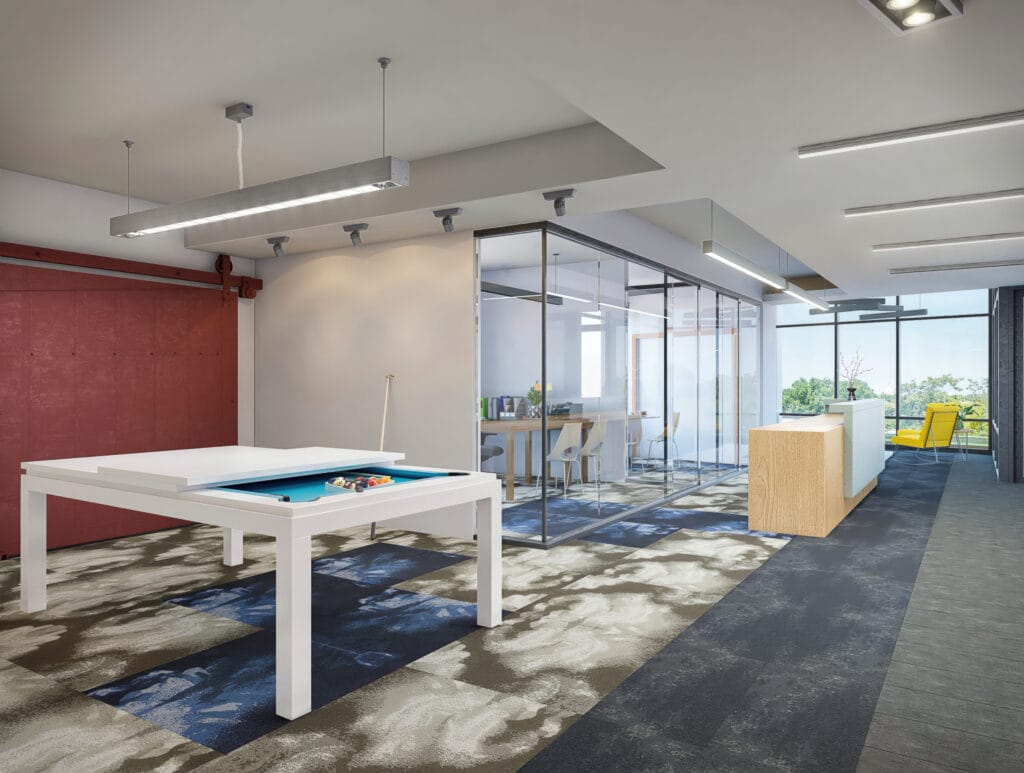
3D rendering is the process of creating a visual output from a digital 3D model. It turns a modeled scene into a still image, animation, 360 view, or interactive presentation that people can understand at a glance.
For anyone new to 3D rendering
What is 3D Rendering?
3D rendering is the process of creating a visual output from a digital 3D model. It turns a modeled scene into a still image, animation, 360 view, or interactive presentation that people can understand at a glance.
During rendering, the software processes elements such as lighting, materials, textures, shadows, reflections, and camera angles to show how a product, space, or concept is expected to look. The final result can be photorealistic or stylized, depending on the goal of the project.
In practical terms, 3D rendering helps businesses present ideas clearly before production, construction, or photography begins.
Why 3D Rendering Matters More Than Ever
Today, we live in a visual-first world. In architecture, marketing, gaming, and manufacturing, decision-makers expect to “see” a product or idea before committing resources. Flat sketches, blueprint drawings, or written specifications often fall short in communicating the full picture.
Whether it’s pre-selling a property that hasn’t been built or showing a new product to investors before prototyping, 3D rendering eliminates the guesswork. It saves time, reduces costs, improves communication, and elevates marketing.
The growing demand for real-time rendering, VR/AR applications, cloud-based rendering tools, and AI-assisted workflows highlights one thing: 3D rendering is not just a creative tool. it’s a business enabler.
A Brief History of 3D Rendering
3D rendering has changed over time thanks to both academic study and new ideas from the business world.
1970s: Foundational Breakthroughs
Ivan Sutherland made Sketchpad, the first computer tool that could work in three dimensions. Edwin Catmull made Z-buffering and ray tracing possible.
1980s: The Utah Teapot
In the 1980s, Martin Newell made the Utah Teapot, which is now a famous reference item for 3D rendering.
1990s: Commercial Software Rollout
In the 1990s, 3D visualization software like Autodesk 3ds Max and Maya became widely available. This let professionals in architecture, film, and product design use it.
2000s to Present: Real-Time & Cloud AI
From the 2000s to now, GPU power, real-time engines like Unreal and Unity, cloud computing, and AI-powered rendering methods that improve speed, quality, and flexibility have all grown at very fast rates.
How Does 3D Rendering Work?
The 3D rendering pipeline consists of several core steps:
1. 3D Modeling
A digital mesh is created using vertices, edges, and polygons. This forms the structure of the object or space.
2. Texturing and Materials
Materials (e.g., metal, glass, wood) and texture maps (e.g., bump, normal, specular) are applied to simulate how surfaces interact with light.
3. Lighting Setup
Virtual light sources are added — point lights, directional lights, spotlights, and global illumination — to mimic real-world environments.
4. Camera Placement
Virtual cameras are set up to define the viewer’s perspective.
5. Rendering Process
The software calculates how light interacts with the objects, simulates reflections, shadows, and colors, and generates a 2D image.
6. Post-Processing
Visual effects like bloom, depth of field, glare, motion blur, and color grading enhance the final output.
This process can be either real-time (for games or VR) or offline (for photorealistic images and animations).
See How Interior Rendering Works
From floor plans to finish schedules, see real interior projects and how they come together.
View Interior Rendering →Types of 3D Rendering
Exterior Rendering
This type of rendering includes lighting, shadows, landscaping, and sky settings so that you can see how the outside of buildings will look. It’s used a lot in building competitions, real estate development, and client presentations.
We produce these for architects and developers as 3D exterior rendering
Interior Rendering
This focuses on the design of indoor spaces — furniture layout, color palettes, finishes, and lighting. Interior designers, furniture manufacturers, and real estate marketers use interior renders to showcase ambiance and layout.
We deliver this as 3D interior rendering for interior designers, developers, and furniture brands.
Product Rendering
It shows off customer or business goods in great detail. It’s used for ads, e-commerce, and making new products. This includes exploded views, models that you can work with, and material swaps (like showing the same shoe in different colors).
Catalog stills, variant sets, and exploded views sit under 3D product rendering
3D Animation and Walkthroughs
These are groups of frames that make motion. This group includes architectural walkthroughs, product demos, models of industrial processes, and movies made for fun.
AR, VR, and Interactive Rendering
Real-time rendering is used in augmented and virtual reality to put people in simulated worlds. AR puts 3D models on top of real-world scenes, and VR lets you move around in all 360 degrees. For experiential marketing, design, training simulations, and virtual showrooms, these renderings are very important.
Where the buyer needs to change materials or options themselves, this becomes a 3D configurator built on real time rendering
Stylized and Technical Rendering
Clay renders, wireframes, and ghosted visuals strip away material detail and emphasize form, structure, or function. These are often used in conceptual design, engineering, and early-stage approvals.
The clay render is the most common of these. What it is for, and why artists produce one before touching materials, is covered in our guide to clay rendering
3D Rendering Techniques
Rasterization
Fast and efficient. Converts 3D geometry into pixels using the GPU. Used in games and web-based applications.
Ray Casting
Traces a single ray from the camera to objects. Efficient but lacks realism due to the absence of reflections or refractions.
Ray Tracing
Simulates how light rays interact with surfaces — including reflections, shadows, caustics, and refractions. Delivers photorealism at a computational cost.
Global Illumination & Path Tracing
Advanced lighting simulations that calculate indirect light bounces. Engines like V-Ray, Corona, and Unreal’s Lumen use these techniques.
Cloud-Based Rendering
Online render farms are used to split up and handle big scenes. With services like RebusFarm, Fox Renderfarm, and Chaos Cloud, delivery can happen faster with less gear on-site.
Software Tools for 3D Rendering
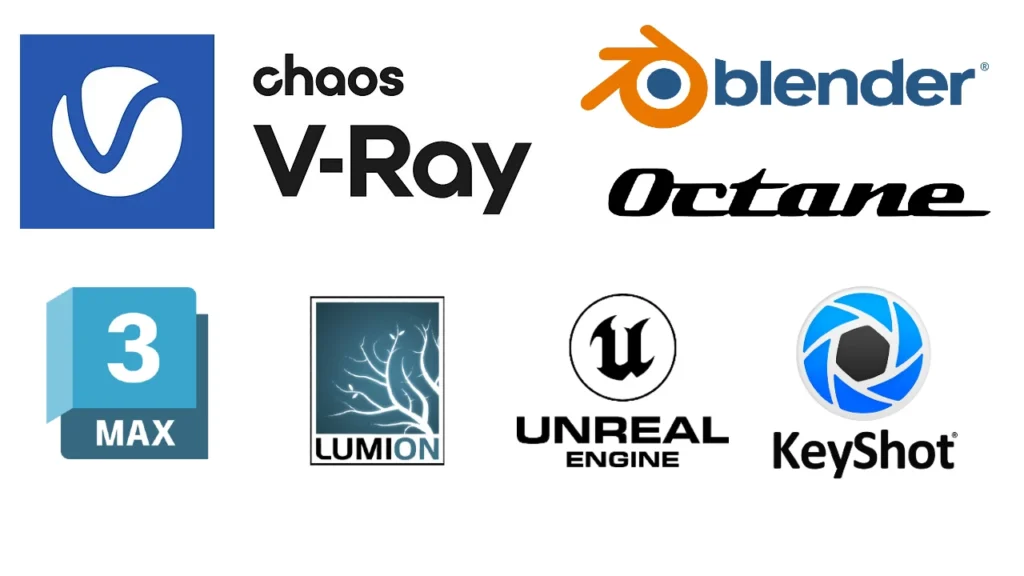
Here are the software that can be a trump card in your overall 3d rendering process.
Autodesk 3ds Max
A leading choice for architectural rendering. Works seamlessly with V-Ray and Corona Render.
Blender
Free, open-source, and capable of high-end rendering with Cycles (ray tracing) and Eevee (real-time). Loved by freelancers and studios.
SketchUp with V-Ray or Enscape
Ideal for interior designers and architects. Simple modeling interface, powerful rendering plugins.
Lumion
Real-time rendering with a massive asset library. Great for fast turnaround on architectural visualization.
Unreal Engine
Combines real-time rendering and cinematic visuals. Common in VR/AR, walkthroughs, and high-end interactive scenes.
KeyShot
Used heavily in product design. Simple interface, real-time previews, and drag-and-drop materials.
Cinema 4D, Octane, Redshift
Favored in motion graphics, visual effects, and high-end 3D art.
Key Benefits of 3D Rendering
1. Better Visualization
Helps clients see the final outcome — not just imagine it.
2. Faster Decision-Making
Visual clarity speeds up approvals.
3. Error Prevention
Identifies design flaws before production or construction.
4. Marketing Advantage
Renders convert better in ads, websites, and brochures.
5. Cost-Effective
Reduces physical prototyping and staging expenses.
6. Customization
Swap colors, materials, or layouts instantly.
7. Immersive Engagement
Enables virtual tours, AR experiences, and product configurators.
Industries That Rely on 3D Rendering
Architecture
For client presentations, competition entries, planning approvals.
Real Estate
Pre-sales, virtual staging, listing visuals.
Interior Design
Mood boards, layout proposals, style exploration.
Product Design
From consumer electronics to industrial equipment.
Furniture Manufacturing
Create lifestyle visuals for online and print catalogs.
Gaming and Entertainment
Game environments, cinematic trailers, character renders.
Healthcare and Education
Surgical training, anatomical models, interactive lessons.
Marketing Agencies
Campaign visuals, animations, AR marketing experiences.
Challenges in the Rendering Workflow
Hardware Costs
High-performance GPUs, CPUs, and memory required.
Render Time
Complex scenes or animations can take hours/days.
Learning Curve
Mastering rendering engines, materials, lighting, and composition requires time and training.
Pipeline Management
Coordinating teams, assets, and feedback cycles can get messy without structured workflows.
Future Trends in 3D Rendering
AI in Rendering
AI tools assist with procedural material generation, upscaling, lighting adjustments, and denoising — speeding up the creative process.
Real-Time Path Tracing
Combines the realism of ray tracing with the speed of real-time engines. Unreal’s Lumen and Nvidia’s RTX cards are making this more mainstream.
Metaverse and Immersive Tech
As immersive platforms evolve, businesses will increasingly rely on real-time rendered 3D environments for interaction, sales, and training.
Mobile & Cloud Rendering
Advancements in mobile GPUs and 5G enable high-quality rendering from anywhere. Cloud rendering makes enterprise-grade power accessible to small teams.
Sustainable Rendering
Studios are prioritizing energy-efficient workflows, using render farms optimized for low power consumption and cleaner computing.
Frequently Asked Questions
How much does professional 3D rendering cost?
Costs depend on how hard it is, how well it’s done, and how quickly you need it. One still picture could cost anywhere from $150 to $1,000. High-end graphics can cost more than $5,000.
What’s the best software for architectural rendering?
3ds Max with V-Ray or Corona. For faster work, Lumion or Enscape.
Is Blender good enough for commercial rendering?
Absolutely. Blender’s Cycles engine is capable of studio-quality renders. It’s widely used by freelancers, product designers, and indie studios.
How long does it take to render an image?
Depends on resolution, complexity, and render engine. A high-quality 4K render might take 2–6 hours on a single workstation.
Conclusion: Why 3D Rendering is Essential in 2025 and Beyond
3D modeling isn’t just a way to make pictures; it’s also a way to make decisions based on pictures that bring ideas to life. When you’re creating a product, selling a real estate project, or making immersive VR experiences, rendering helps you get your point across, persuade people, and close the deal.
As AI, cloud computing, and real-time graphics get better, the industry will move faster, be easier to get into, and allow more people to work together. Architects, artists, marketers, and developers need to know how to do 3D rendering in order to stay competitive.
We work in two areas: Architectural Visualization for architects, developers, and interior designers, and product visualization for manufacturers and ecommerce brands. Tell us what you are rendering and who the images are for, and we will scope it.