

Image Pair 1: Del Frisco’s Bar Renovation
Test Focus: Upscaling, reflection handling, and fabric detail enhancement in a highly complex interior environment.
What worked well:
The upholstery texture on the red booths feels much more tactile and photographic.
Glassware on the tables gained realistic, subtle micro-reflections.
The overall warmth and mood of the initial lighting rig were successfully preserved.
What needs manual correction:
The AI hallucinated incorrect geometry in the background mirrors (the reflections no longer align with the physical room).
The ceiling spotlights lost their sharp, accurate 3ds Max falloff and went a bit soft and diffuse.
Some of the intricate glass chandelier details blended together into a single mass.
Technical Comment: InvokeAI fundamentally struggled with the complex, multi-bounce reflections in the mirrored panels, trying to invent new room geometry rather than reflecting the actual 3D scene. We will always need to render an object ID mask to composite the raw CGI reflections back into the final AI-enhanced image.

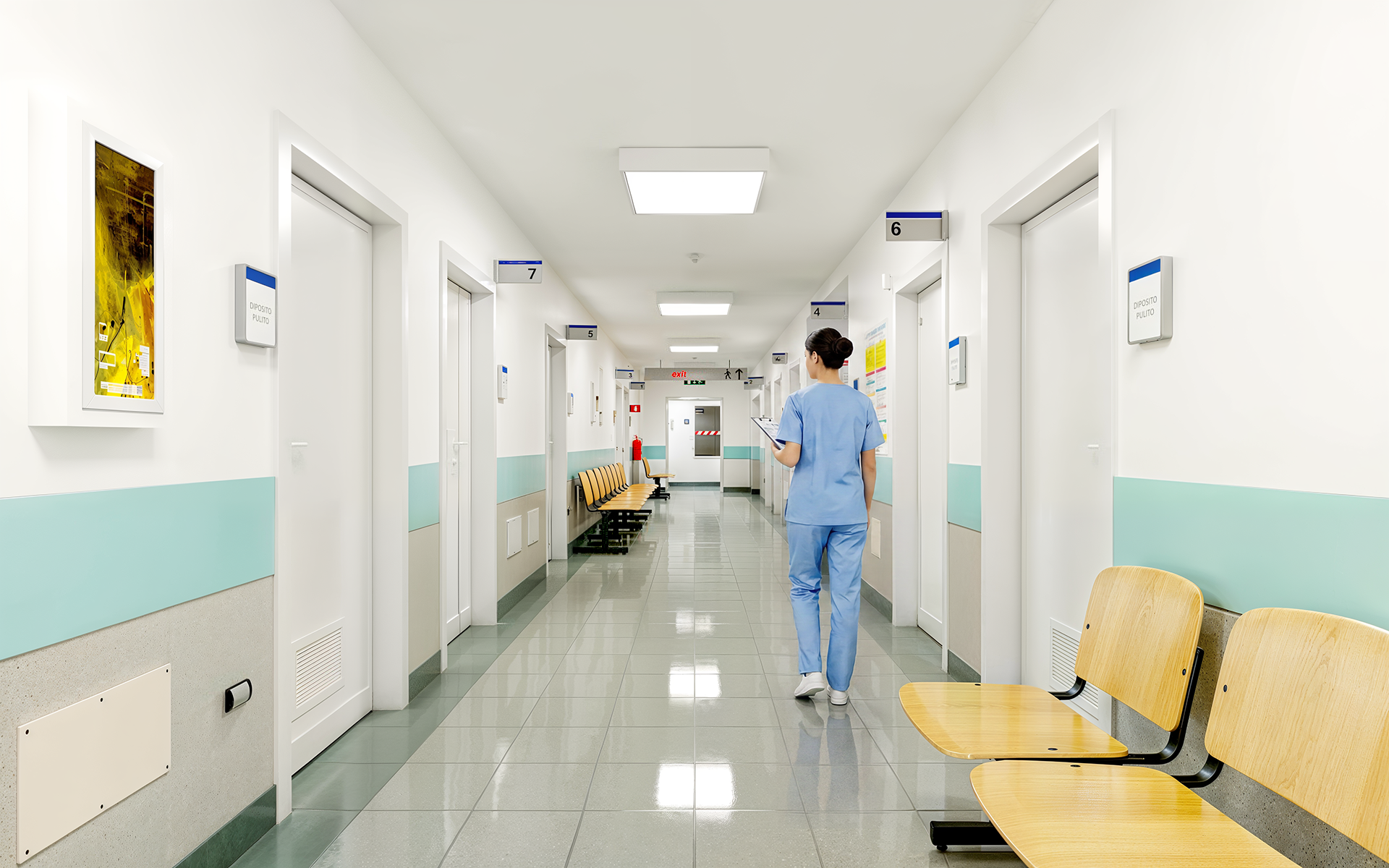
Image Pair 2: Hospital Corridor
Test Focus: Human figure integration, clinical lighting, and glossy floor reflections.
What worked well:
The 3D nurse figure is far better integrated into the scene, looking much more photographic.
The floor reflections gained subtle, realistic imperfections like light scuffs and smudges.
The clinical, cool white balance held up perfectly without shifting into unwanted hues.
What needs manual correction:
The text on the wall signs and door placards turned into unreadable AI gibberish.
The baseboards in the far distance lost their sharp edge and blended into the floor tiles.
The door hinges and frames lost their crisp, hard-surface structural definition.
Technical Comment: This is a classic example of AI text hallucination. While it did a great job breathing life into the human figure and floor materials, the AI cannot be trusted with exact architectural signage or precise door framing. Manual CGI replacement for all text and structural lines is mandatory here.

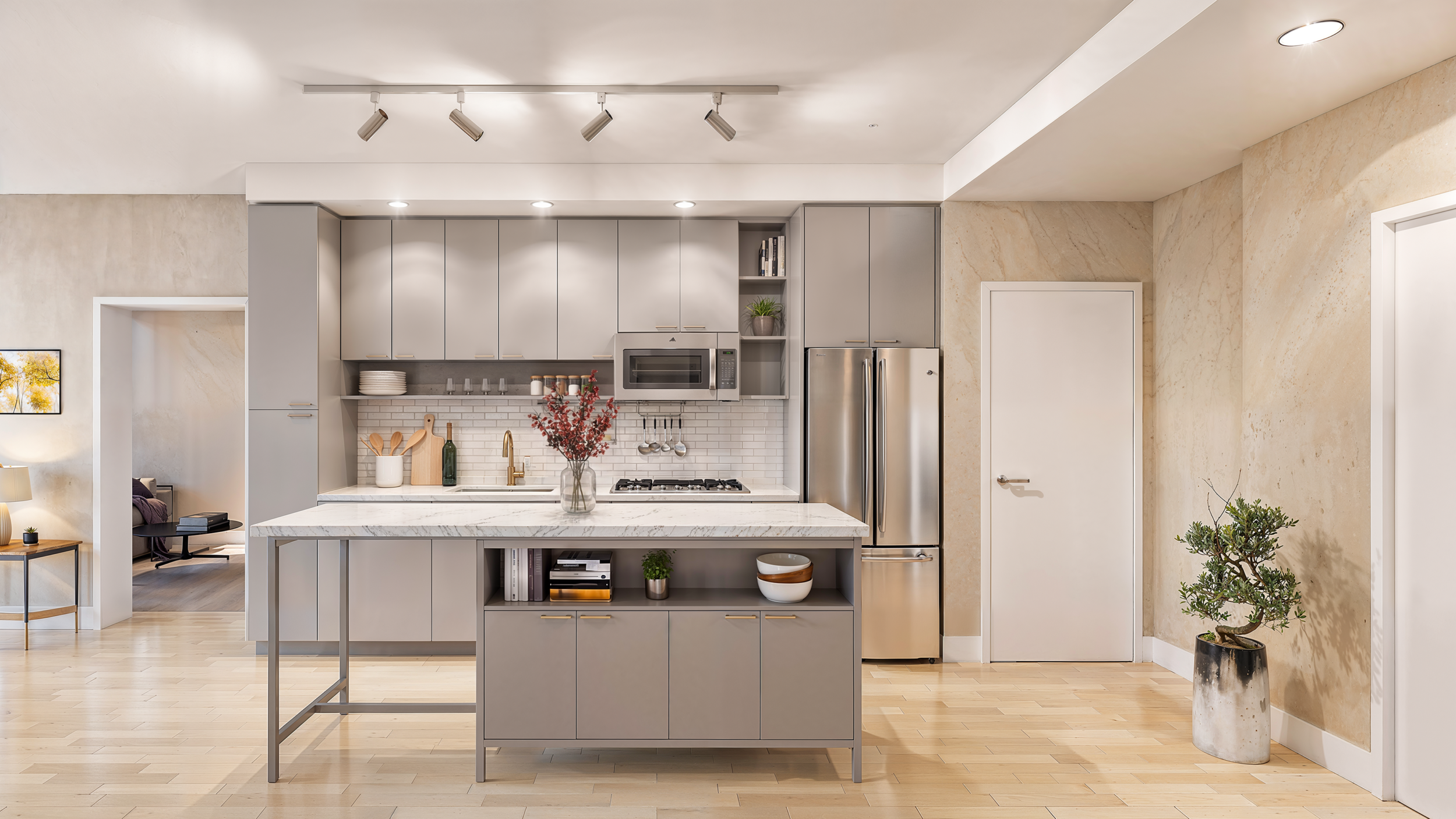
Image Pair 3: Florida Avenue Kitchen
Test Focus: Material definition (wood vs. metal vs. stone) and lighting atmosphere.
What worked well:
The brushed steel finish on the refrigerator looks exceptionally realistic.
The marble grain on the kitchen island received a nice, organic variety that breaks up any tiling.
The wood floor grain feels less repetitive than the raw 3D output.
What needs manual correction:
The potted bonsai plant on the right became slightly “painterly” and lost its distinct leaf structures.
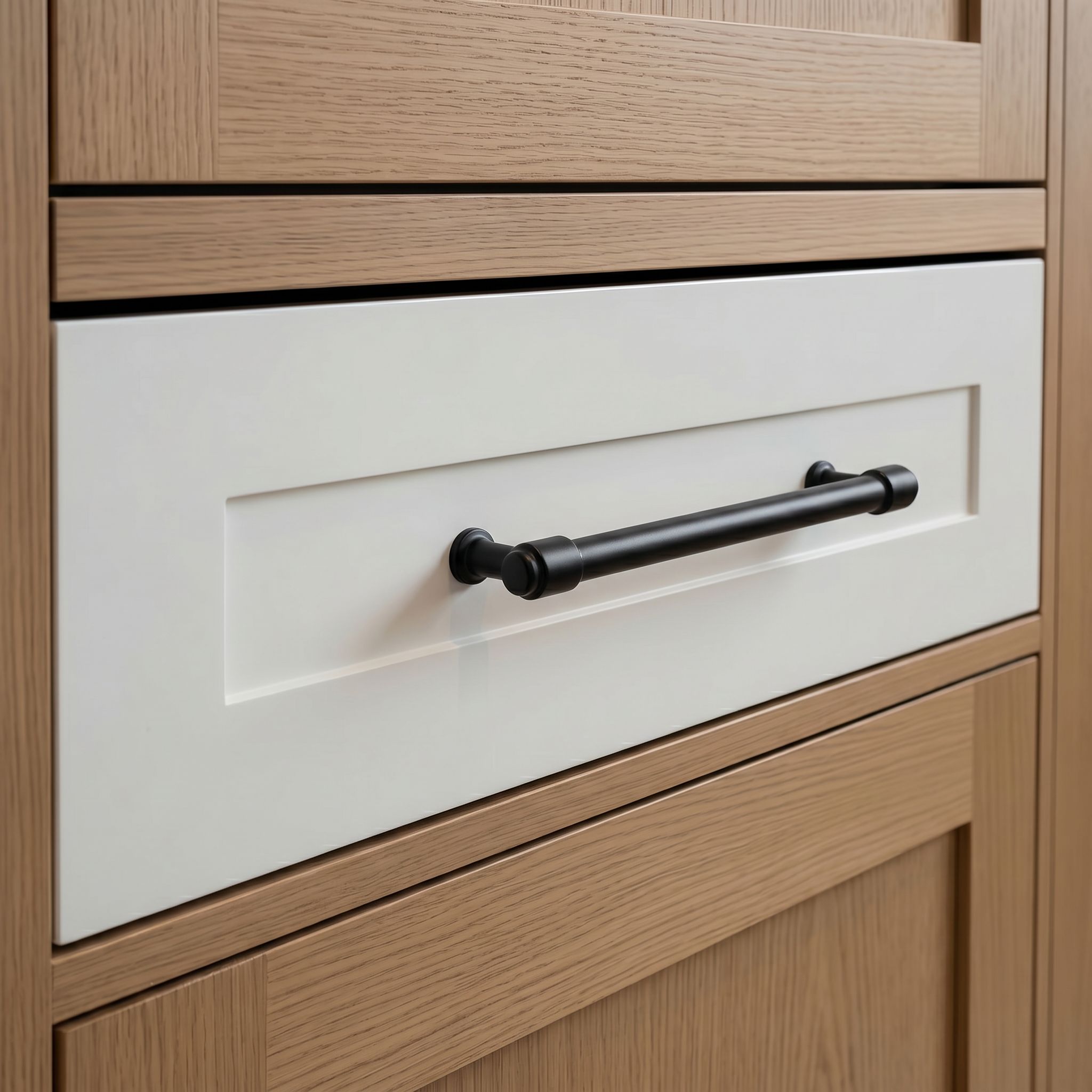
The cabinet handles shifted slightly in design, rounding out the edges.
The hard shadows under the island became a bit muddy and inconsistent with the directional ceiling lights.
Technical Comment: The AI pass slightly altered the strict Revit geometry of the cabinetry reveals and hardware pulls. For architectural client reviews, we need to lock the Canny control lines tighter during generation or manually mask the 3D hardware back in so we don’t accidentally present the wrong fixtures.

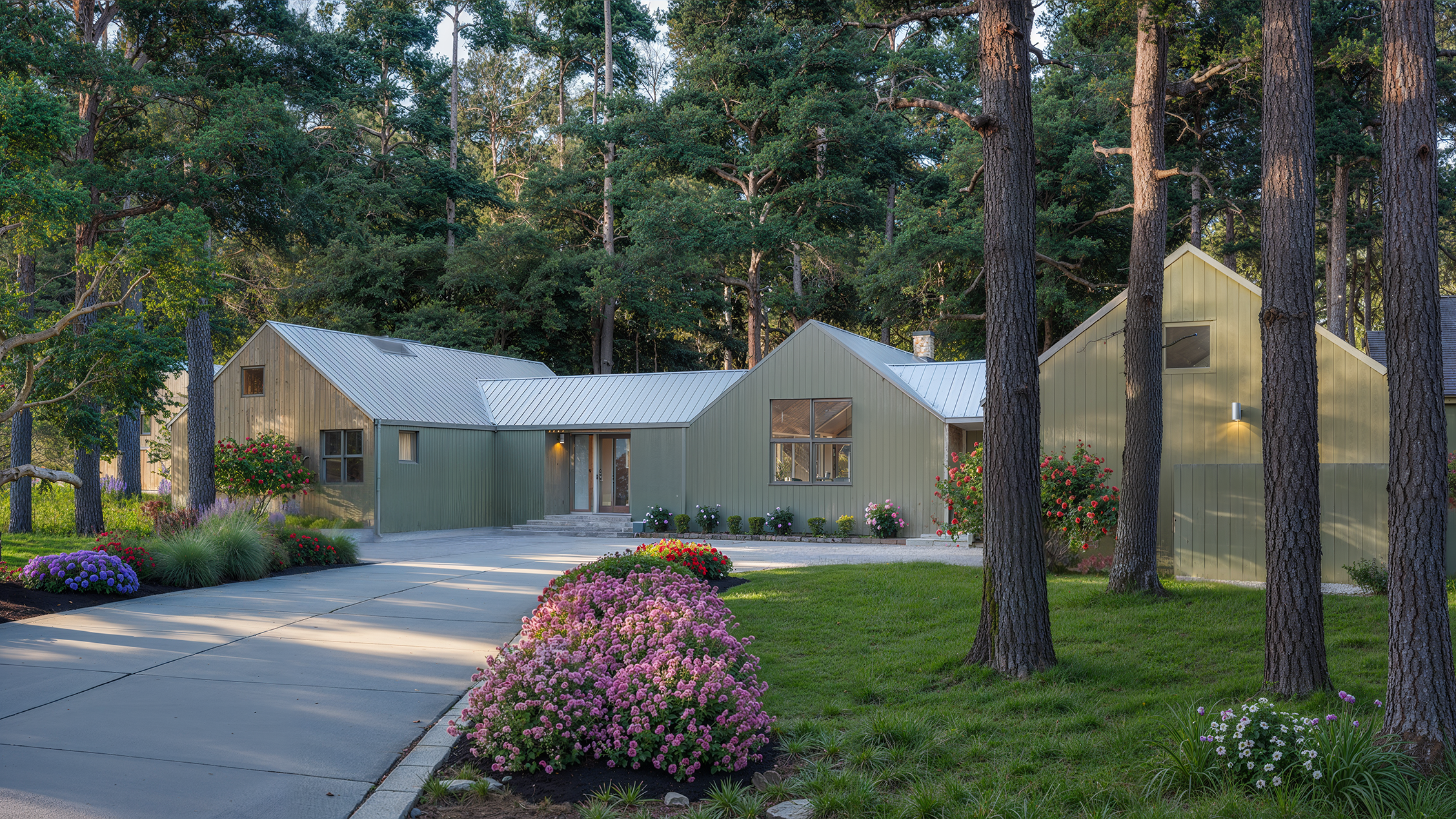
Image Pair 4: Stadler Exterior Skyline
Test Focus: Foliage detailing, natural lighting, and exterior material enhancement.
What worked well:
The pine bark textures on the foreground trees are incredibly organic and realistic.
The foreground flowers and bushes look natural, shedding that “instanced 3D proxy” look.
The grass variation and lighting scatter across the lawn feel very photographic.
What needs manual correction:
The AI altered the specific profile and spacing of the board-and-batten siding on the house.
The standing seam metal roof details got slightly warped and lost their perfect straight lines.
The window mullions shifted slightly in thickness.
Technical Comment: This workflow is phenomenal for landscaping but dangerous for precise architecture. The AI pass overrode the exact siding geometry we established. The standard operating procedure here should be to mask out the main structure and only allow the AI to enhance the environment and entourage.


Image Pair 5: Stadler Family Room
Test Focus: Wood grain detailing, natural light spill, and fabric styling.
What worked well:
The wood planks on the ceiling and wall look fantastic, perfectly breaking up any CG texture repetition.
The natural light spilling from the skylight feels softer and has a great atmospheric bloom.
The couch fabric and pillows look like genuine, physical upholstery.
What needs manual correction:
The sliding door hardware morphed into a weird, non-functional shape.
The TV screen lost its perfect, glossy flat plane and looks slightly warped.
The architectural seam where the wood ceiling meets the painted wall got a bit wavy.
Technical Comment: Again, the AI excels at organic textures (wood, fabric) but fails on manufactured hard surfaces (TV screens, door handles). The AI fundamentally changed the specific door hardware, which is a major risk for design accuracy. Final reviews must ensure any specific hardware specs from the base render are preserved.