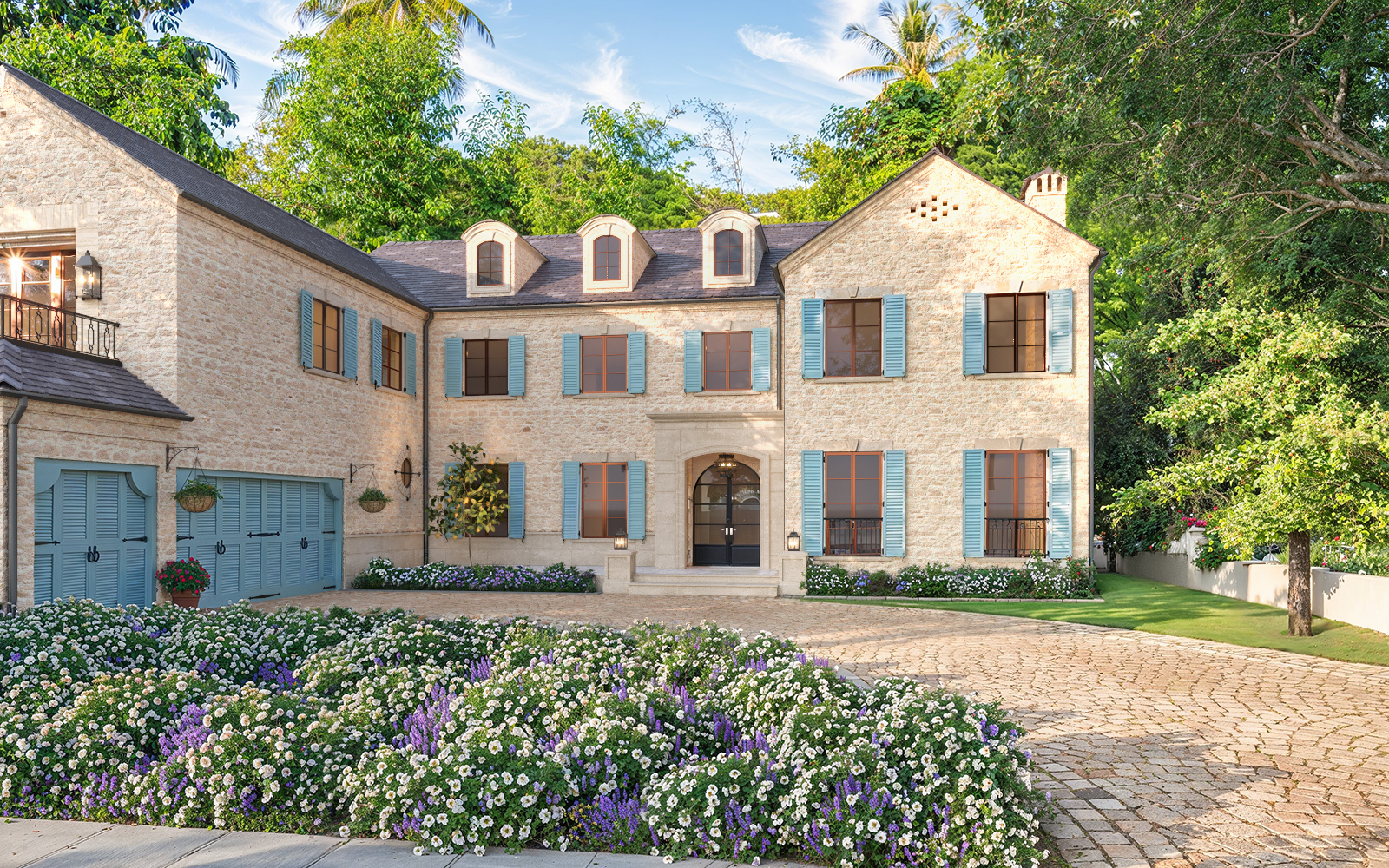
At 7CGI, we’re all about creating high-quality 3D exterior renderings that bring your vision to life. To make sure we get every detail just right, we’ll need a few key pieces of information from you. This helps us deliver accurate, visually stunning results that match your expectations.

1. Architectural Drawings & CAD Files
We need detailed architectural drawings and CAD files to understand the design structure. These may include:
Floor plans (PDF, DWG, or SketchUp)
Elevations (Front, Rear, Side views)
Sections (for depth and spatial understanding)
Site plans (for proper building placement within its environment)
To learn in detail about architectural drawings (with reference photos), visit our blog on House Drawing.
2. 3D Model (If Available)
If you already have a 3D model of your project in formats such as Revit, SketchUp, 3Ds Max, Rhino, or FBX, sharing it will speed up the rendering process and maintain design accuracy.
3. Reference Images & Design Inspiration
You can find a lot of references online that inspire you. A great alternative way is to use AI to find and build inspirations for more tailored references. Providing reference images helps us capture your project’s desired look and feel. You can share:
Photos of similar buildings
Mood boards or sketches
Examples of preferred rendering styles
4. Material & Texture Details
For accurate realism, please specify:
Exterior finishes (brick, concrete, wood, glass, etc.)
Roofing materials (tiles, shingles, metal, etc.)
Windows & doors styles
Lighting preferences (daytime, sunset, night view)
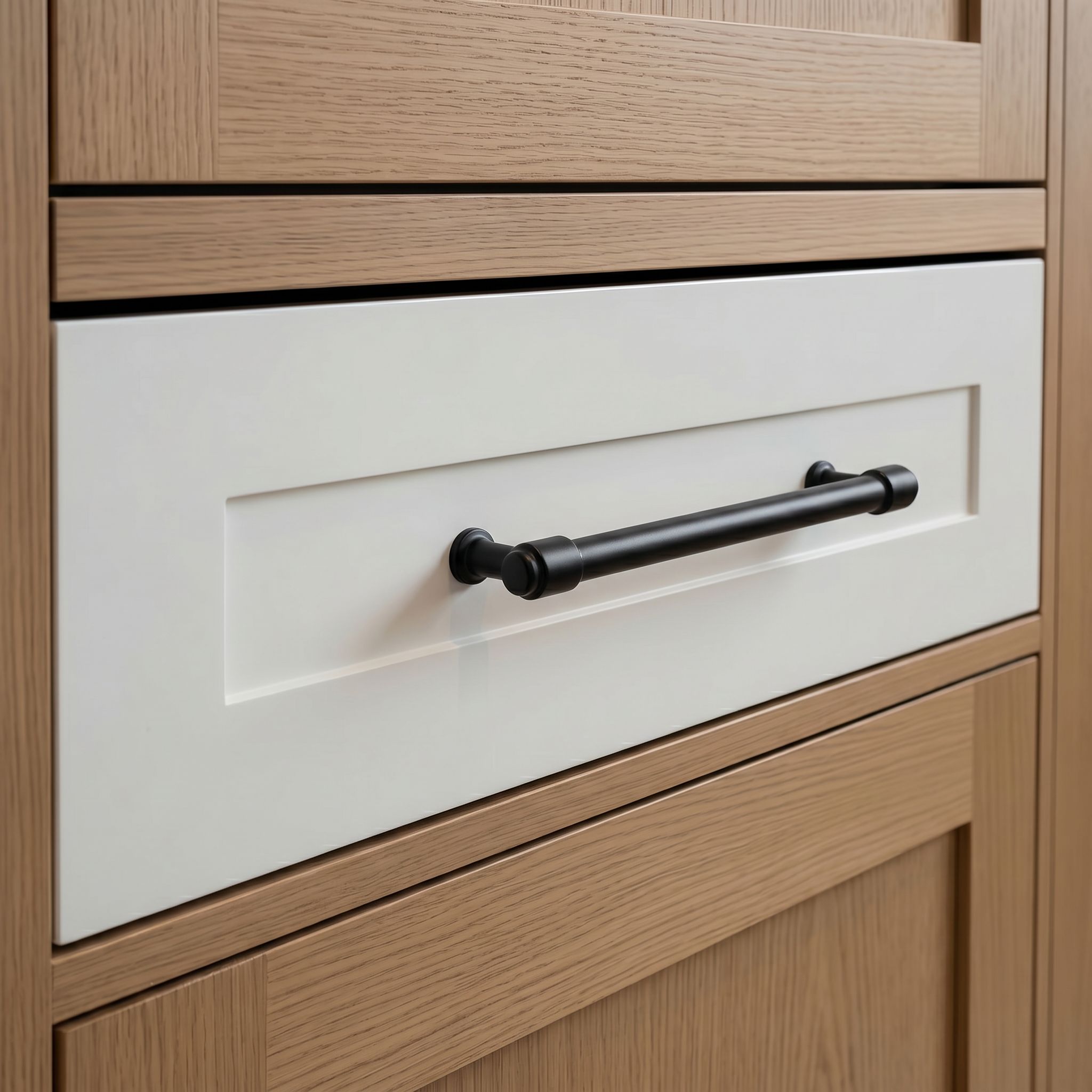
When providing reference images of materials, please include images of the material applied in real-life scenarios, not just swatches. Seeing how the material looks on actual surfaces helps us accurately depict its texture, color, and overall effect in our 3D visualizations.
5. Surrounding Environment Details
To create a natural setting for your building, we need details about:
Landscape elements (trees, greenery, pavements, fences, etc.)
Neighboring buildings (if applicable)
Weather conditions (clear sky, cloudy, dramatic lighting effects)
Not all projects come with a detailed landscape plan. If you don’t have one, you can simply share inspiration for vegetation, landscaping, and surroundings. We’ve worked on projects where homeowners specified exact plant species for specific areas of their home and garden, but we can also work with general design preferences and inspiration.
6. Camera Angle & View Preferences
Specify how you want the final rendering to look:
Perspective views (eye-level, aerial, street-level, etc.)
Number of views required
Still images or animation
7. Project Purpose & Target Audience
Understanding the purpose of the rendering helps us align with your goals. Let us know if the render is for:
Marketing & advertising (real estate listings, investor presentations)
Architectural approval (city permits, client proposals)
Construction reference (detailed visualization for builders)
Each sectors have their area of focus when it comes to viewing an architecture. If we know beforehand to whom we are creating the exterior renderings, we can make it more focused on that purpose.
8. Deadline & Delivery Format
To ensure we meet your expectations, please provide:
Expected delivery date
File format preferences (JPG, PNG, TIFF, PSD, MP4 for animations)
Resolution requirements (HD, 4K, 8K)
9. Budget & Revisions
Estimated budget for the project
Number of revision rounds included
10. Additional Features (If Required)
If your project requires extra visual elements, please let us know:
Lighting studies (sun path analysis)
Environmental integration (fitting within existing surroundings)
Seasonal variations (summer, winter, autumn)
People & car placement (for added realism)
Sharing these details upfront helps us work more efficiently, cut down on revisions, and deliver Awesome 3D exterior renderings that match your vision. If you’re unsure about anything or need some guidance, just let us know.